
Plex compatible · Keeps no movies · Free for personal use
Every Plex app.
No hard drives.
Every Plex app needs a server. Most servers keep your movies on their disks. rex keeps none. Give it a list of movies and shows with a link to each file. It shows them in every Plex app with posters and seasons. Press play and it streams from that link.
Instant A new title appears in every Plex app as soon as its source adds it. Nothing to scan and nothing to download first.
How fast it feels on a real library →rex is free for personal use. Its source code is public and every build ships the day it is made.
01 / What it does
The apps you know.
The library you already have.
It looks like any other server.
Add it to your Plex account and it appears in every Plex app. Movies and shows get posters and summaries and seasons. Watch history and Continue Watching and collections work. rex can fix a subtitle's timing when it is off.
Many lists. One library.
Lists can come from your addons or debrid accounts or a web server of your own. The same film from two sources becomes one title with two versions once both are matched.
It plays straight from the link.
Press play and rex streams the file from its link in its original quality. Nothing is downloaded first. Install jellyfin-ffmpeg and rex can convert what a device cannot play. On a small Intel box with a graphics chip a converted 1080p film starts in about 2 seconds.
02 / Screens
What you see
in the apps.
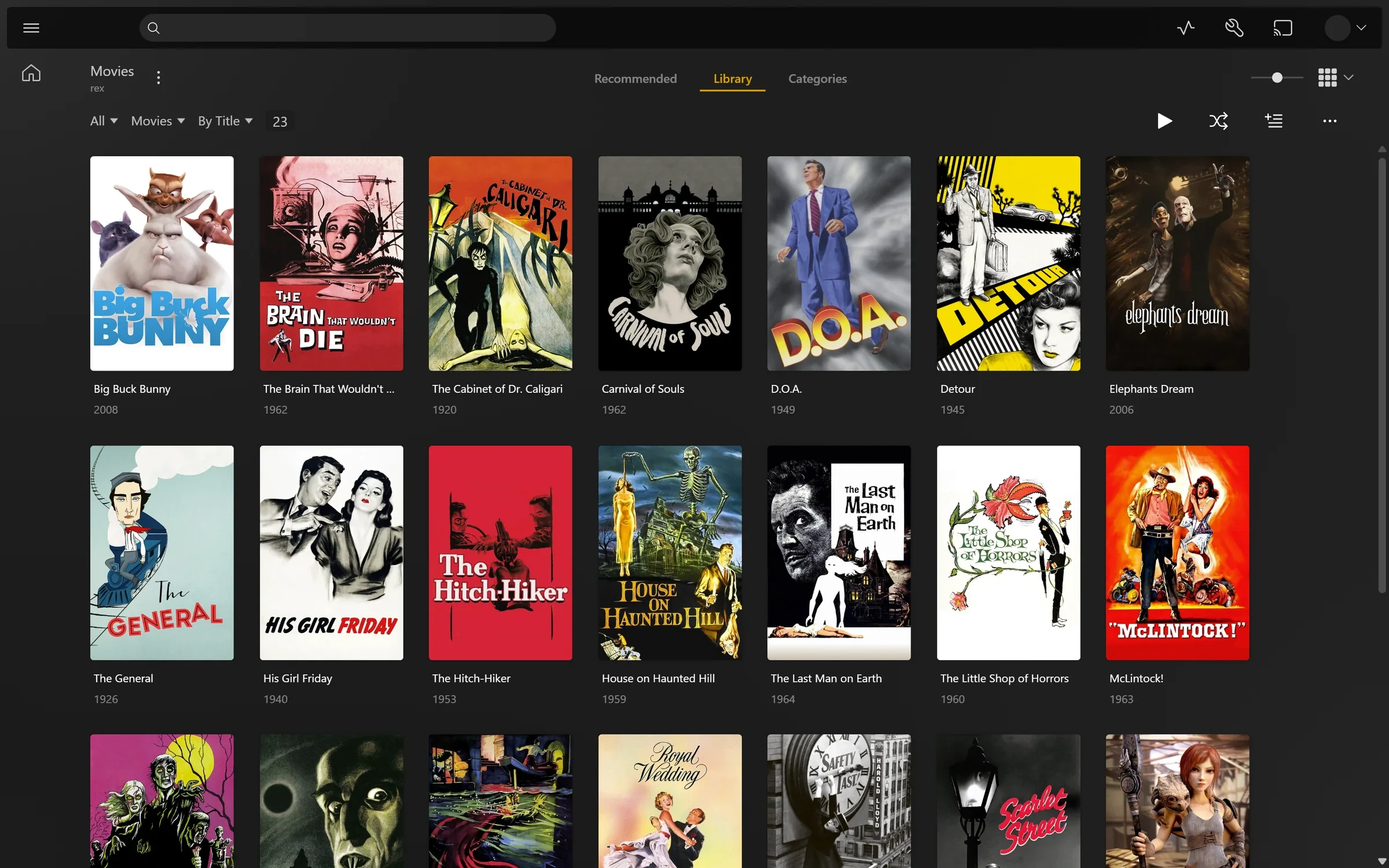
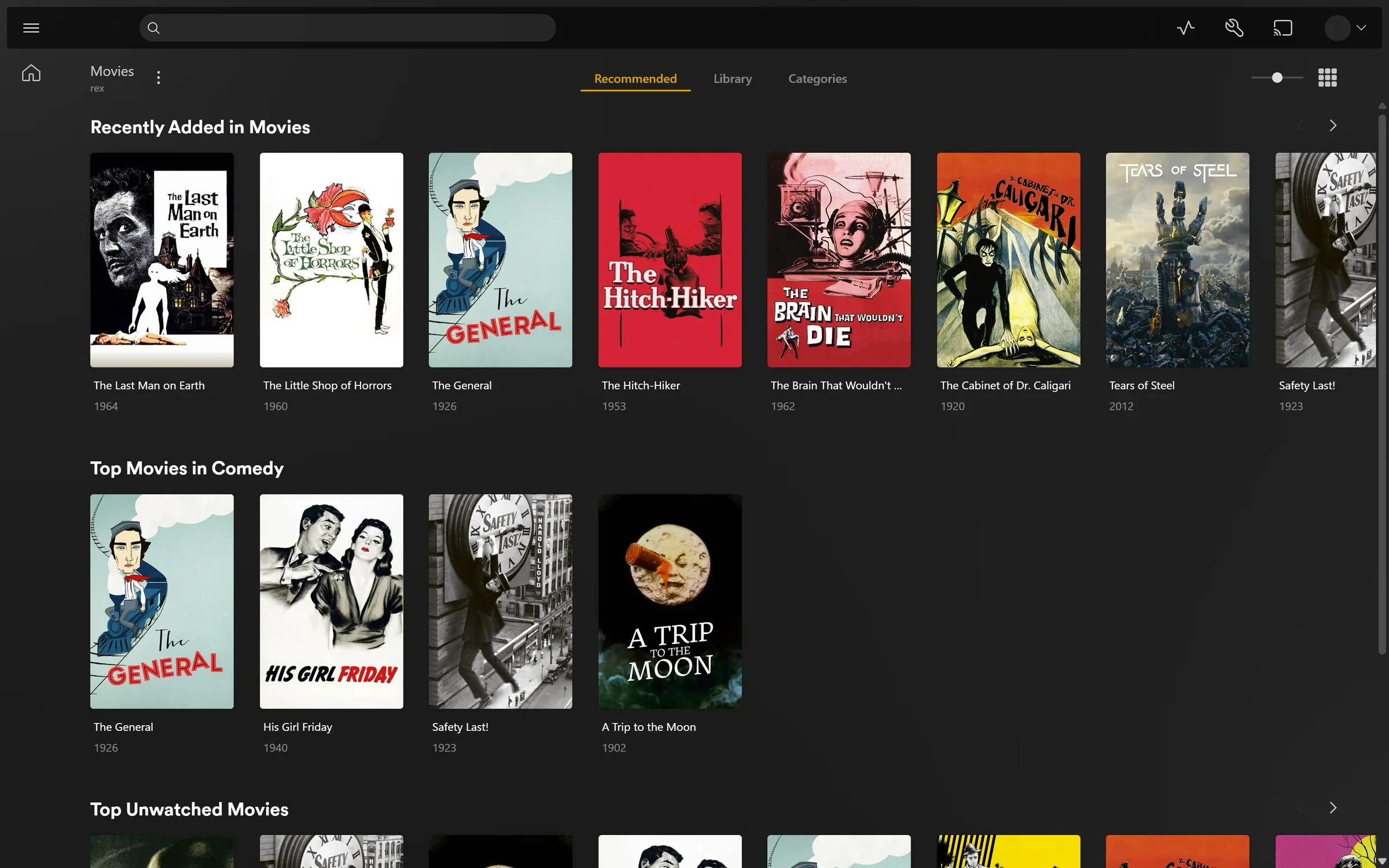
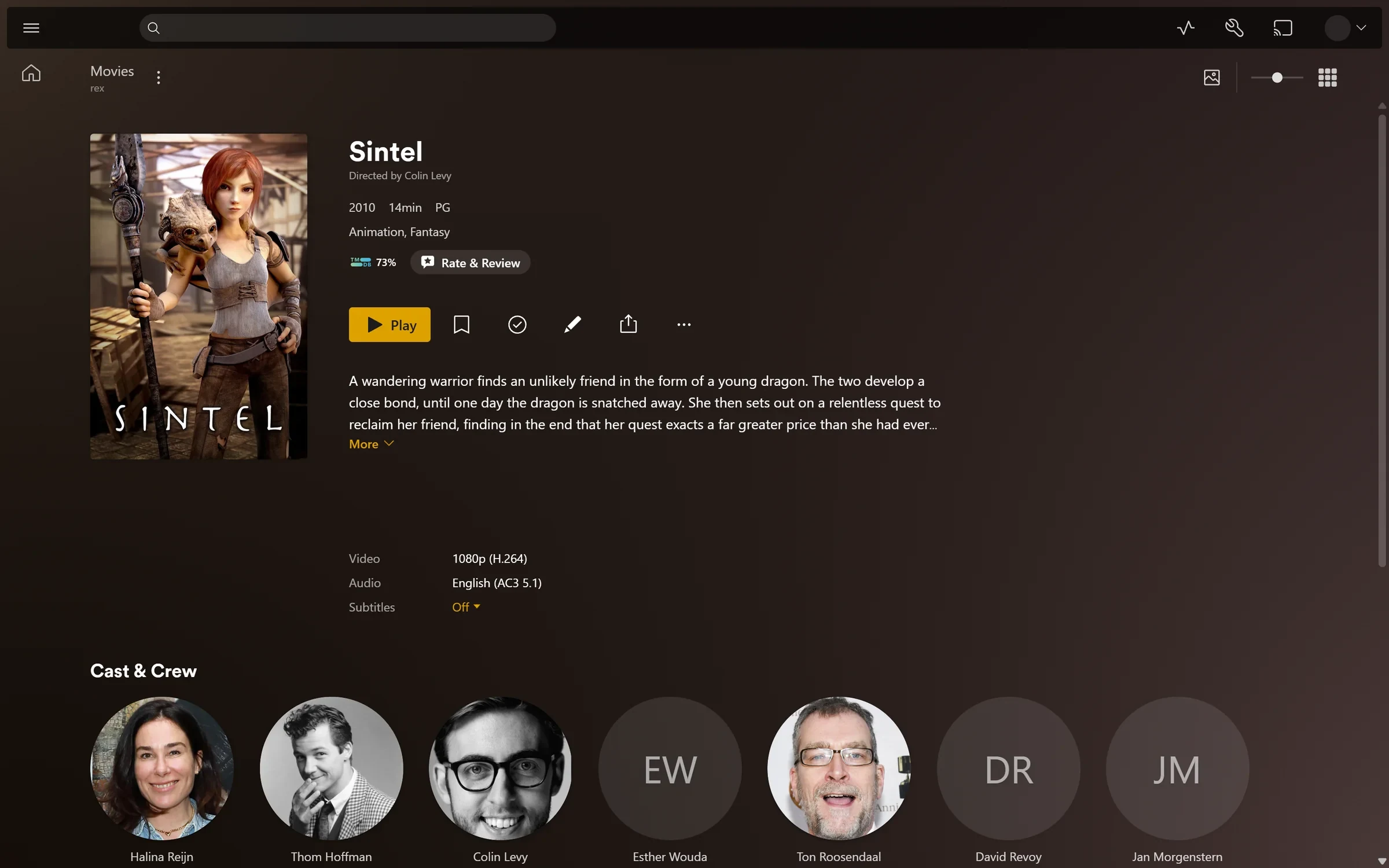
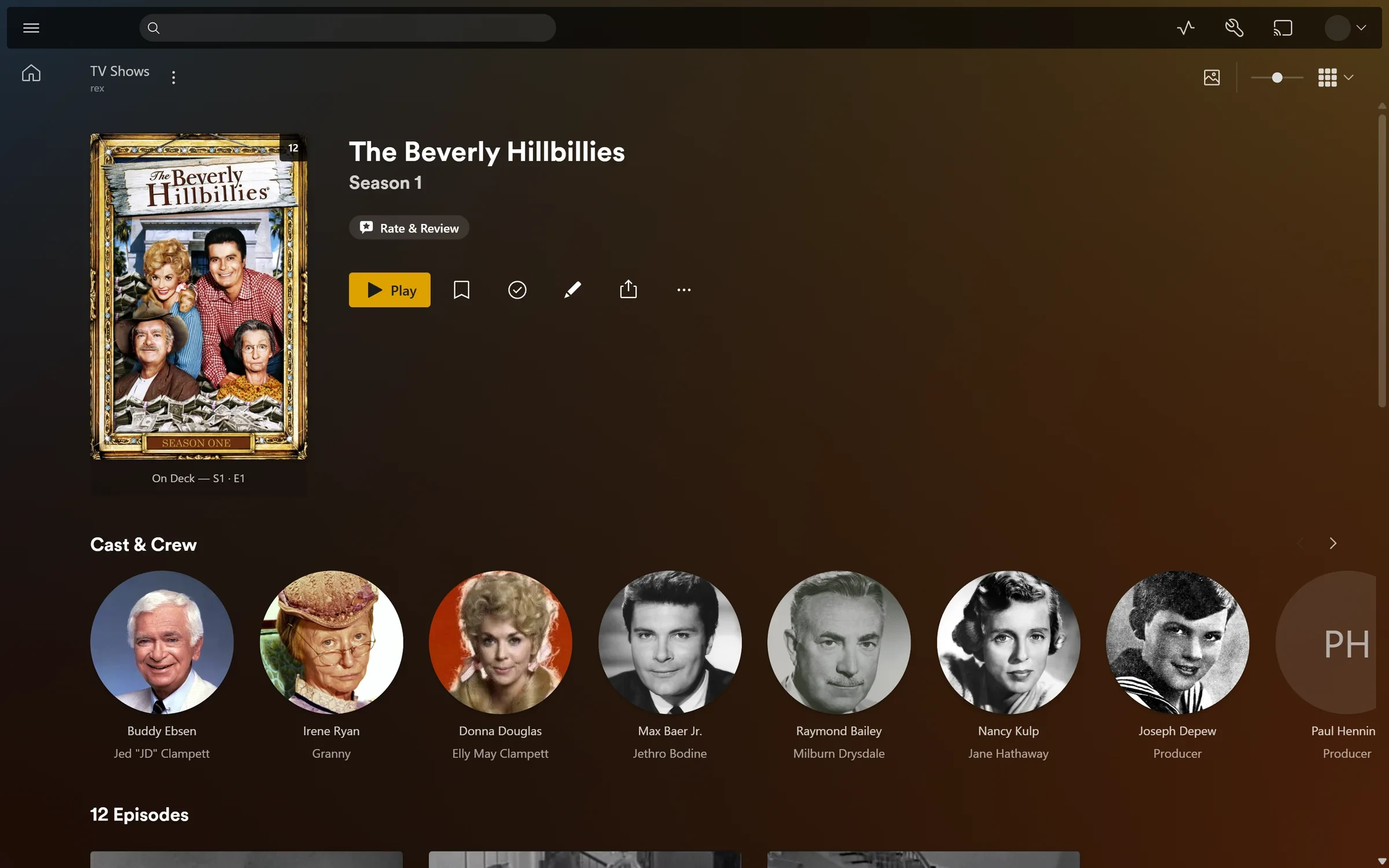
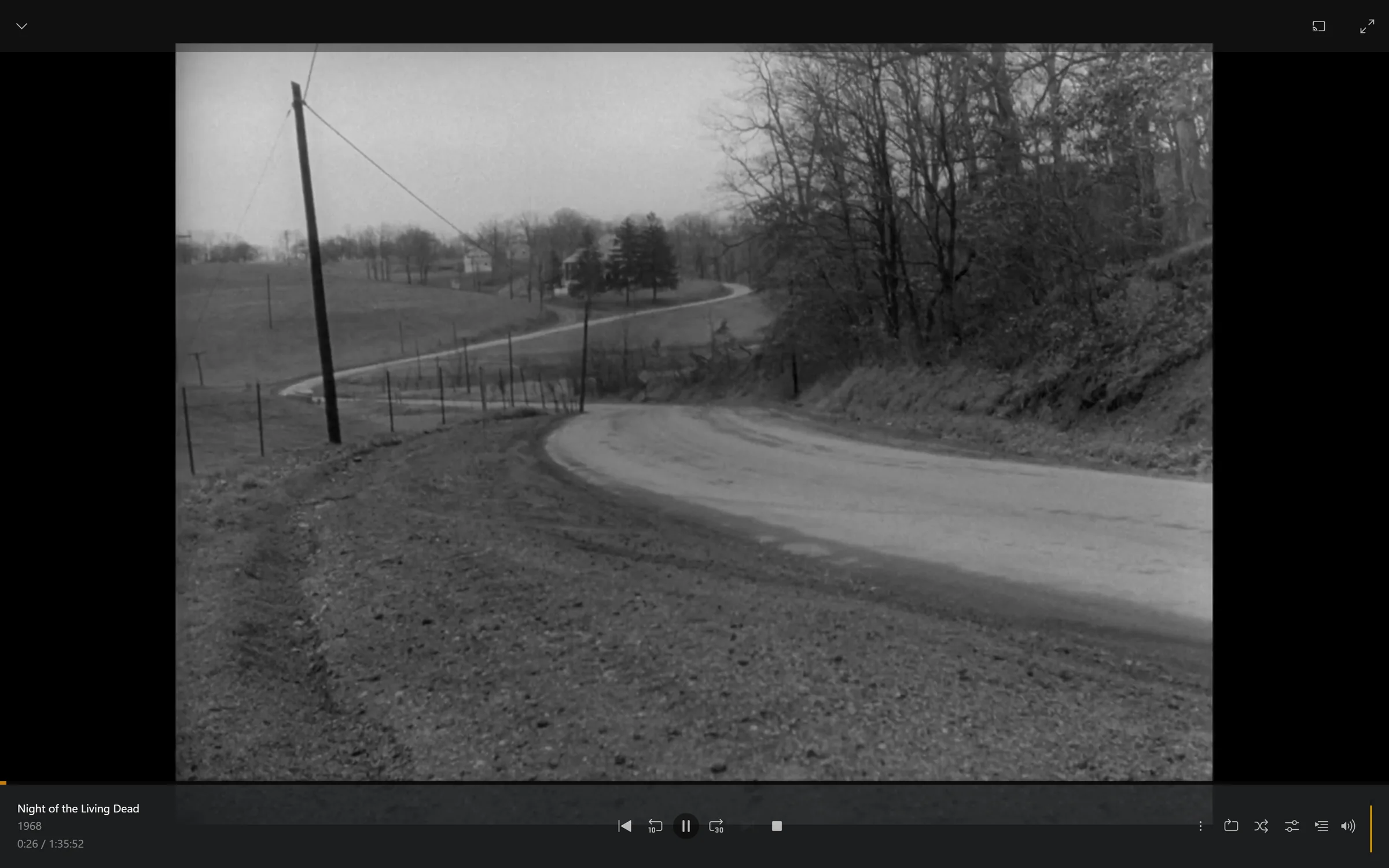
Real screenshots from the official web app. The library uses public domain films and open movies from a plain web server. Nothing is edited.
03 / Android
No computer?
A phone or TV box will do.
rex for Android runs rex on a phone or tablet or TV box. Addons bring in what to watch and it starts with public domain films from the Internet Archive. It is free and has no ads. Real screens from the app and from the Plex apps playing from it.
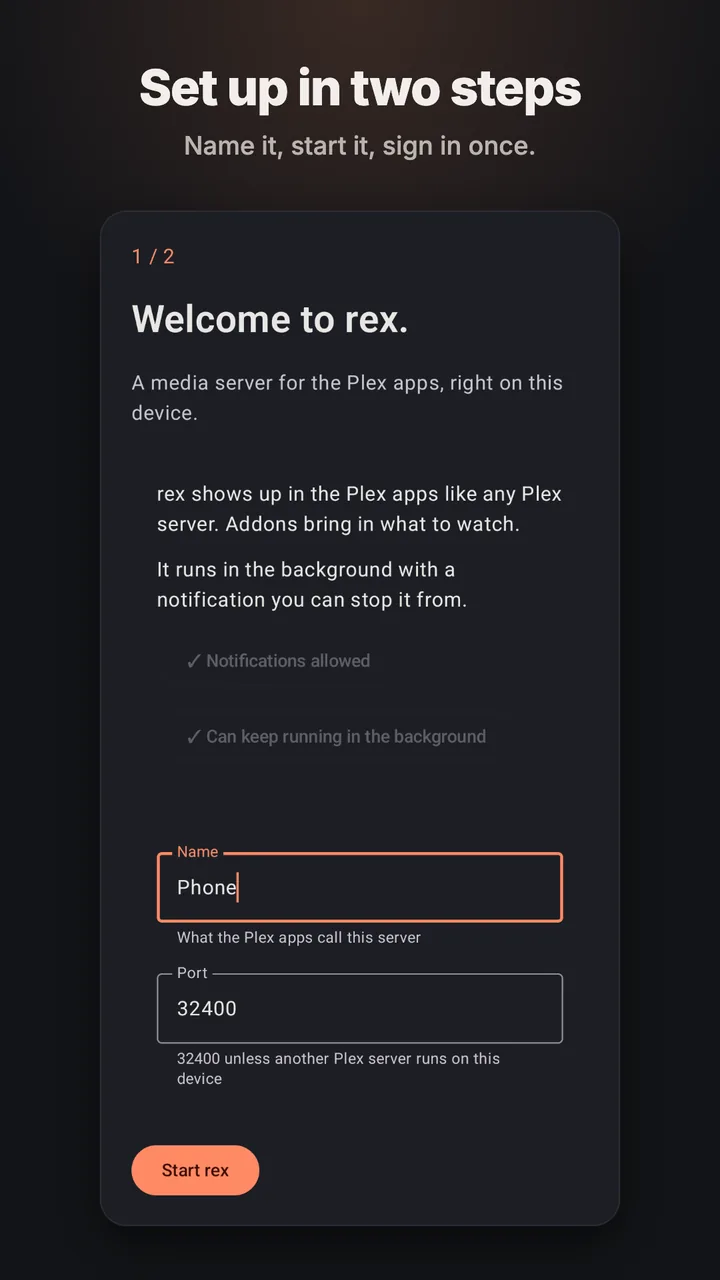
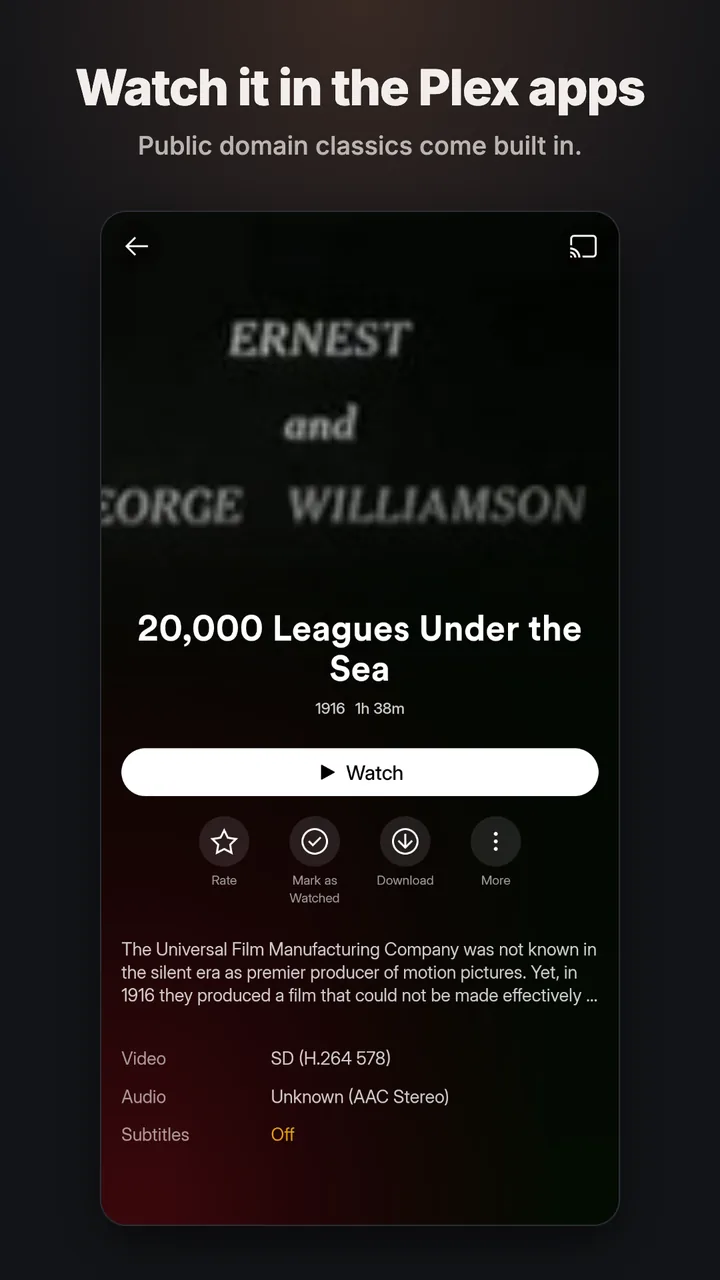
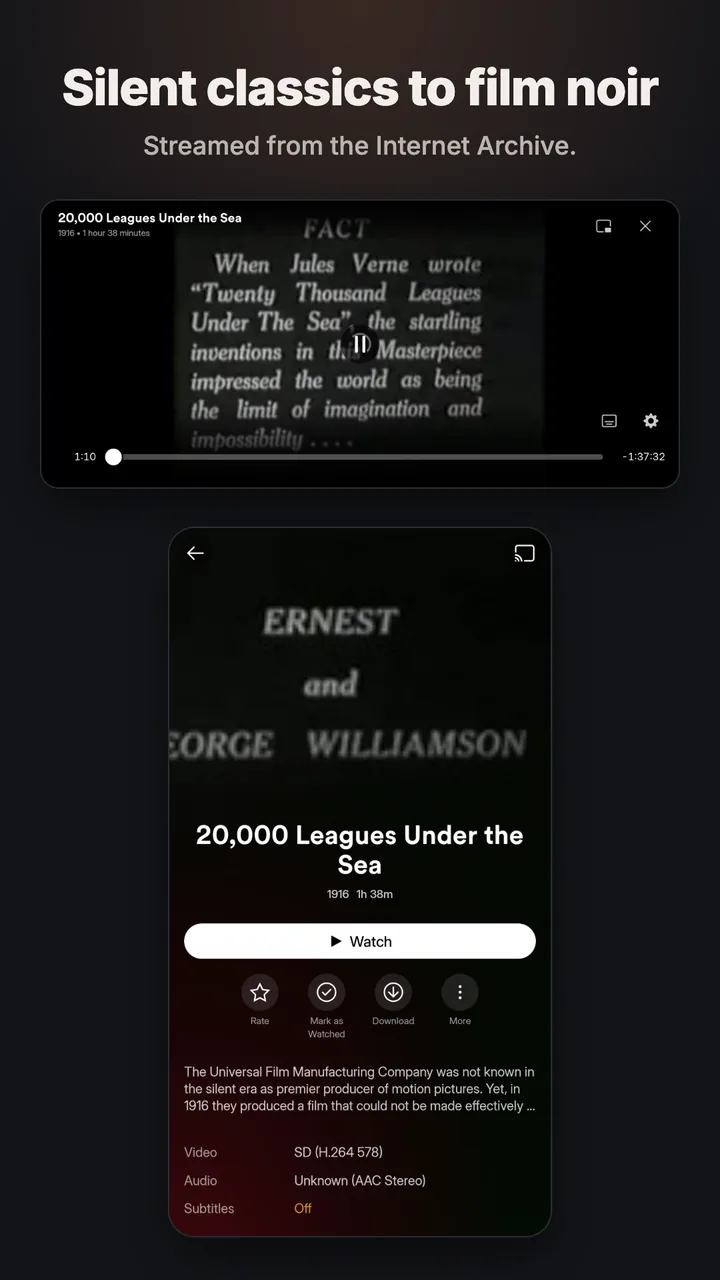
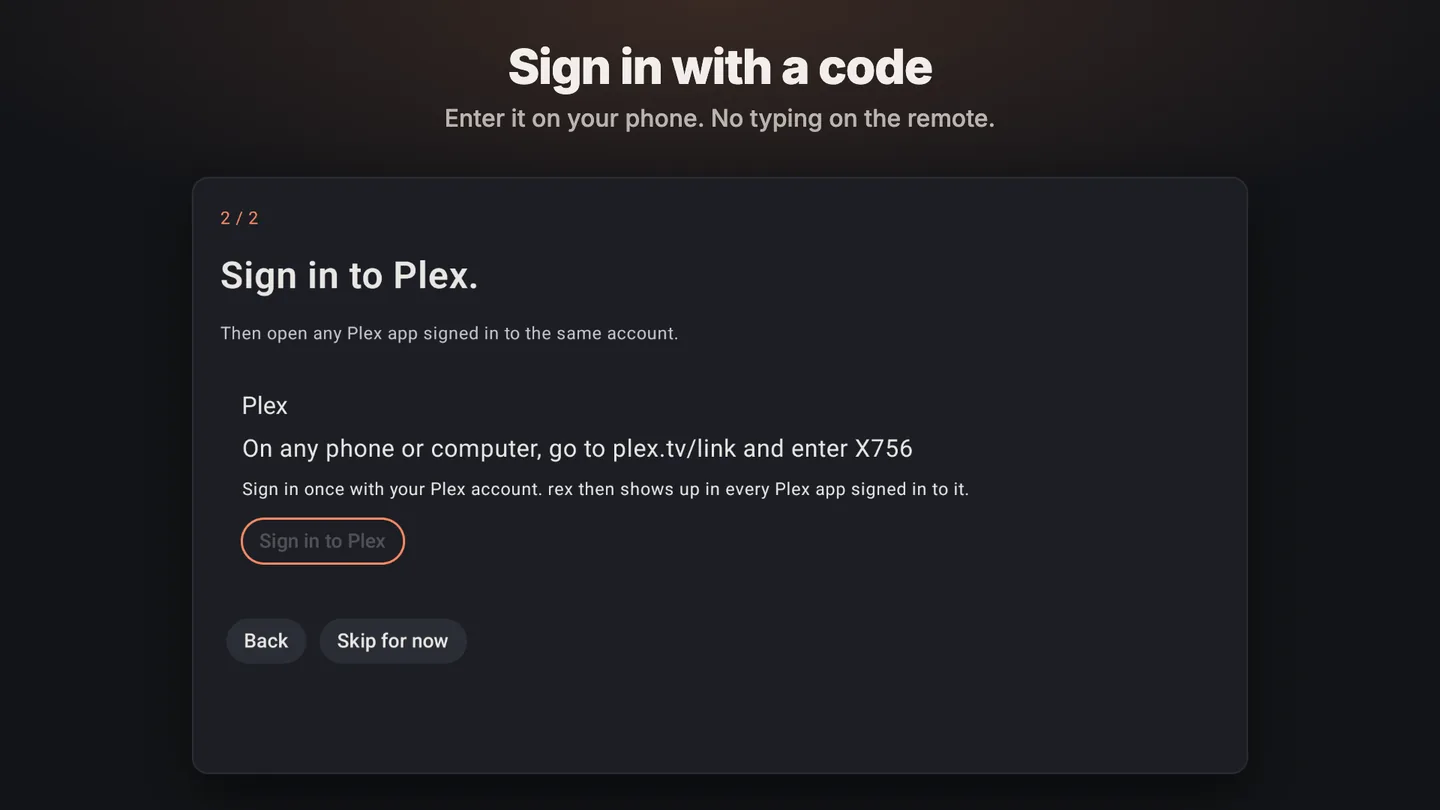
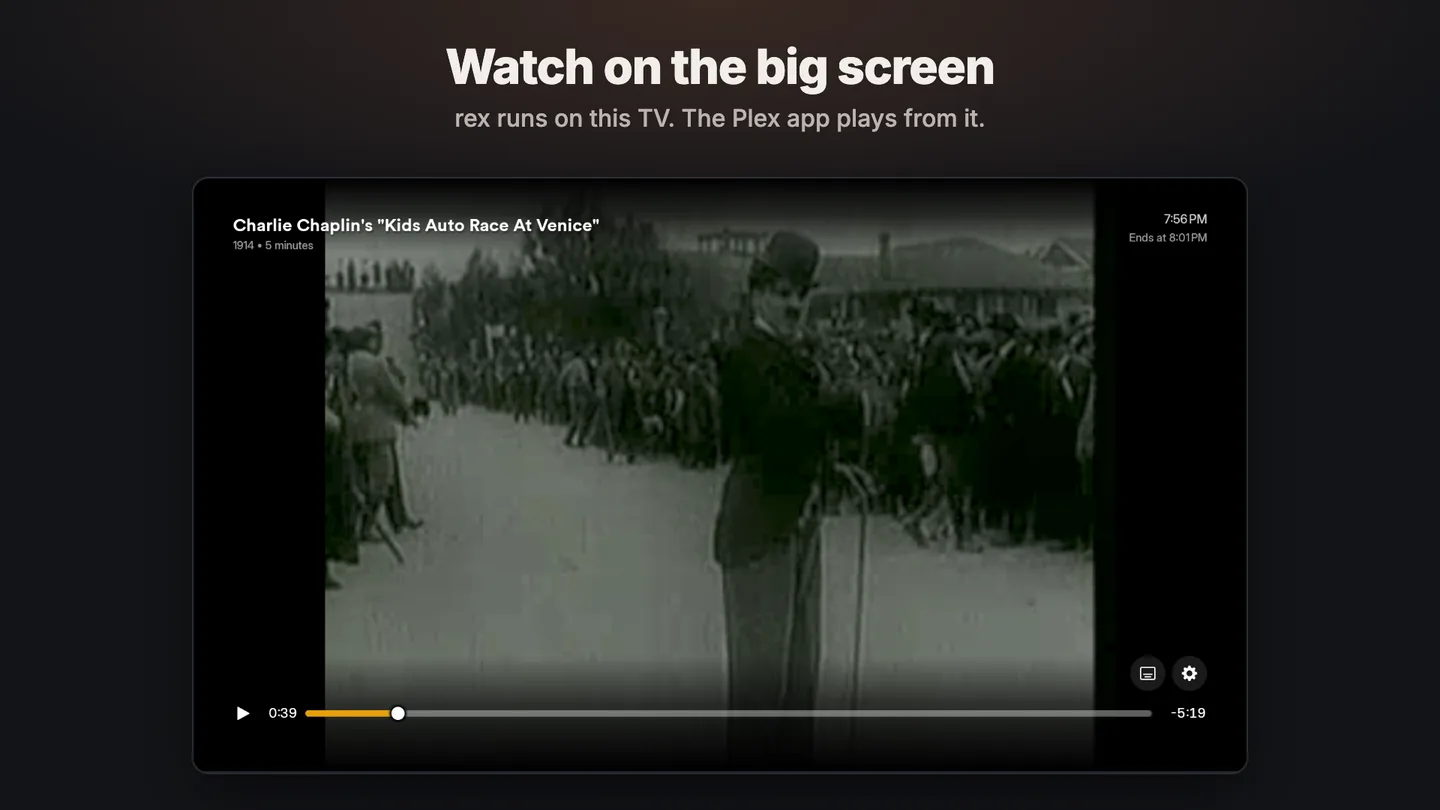
The button gets the build for most phones and TV boxes. Fire TV and older 32-bit boxes take this one or type the code 6291659 into the Downloader app. Add it to Obtainium and it stays up to date. Fire TV and Fire tablets can also get it from the Amazon Appstore. Google Play is coming soon. Sponsors get zurg+rex which adds a debrid and Usenet library to the same server. Its button downloads the newest nightly when you are signed in to GitHub with sponsor access and GitHub answers 404 otherwise. Fire TV and older boxes take this zurg+rex file. zurg+rex setup is on the zurg site.
04 / Speed
How it feels
on a real library.
Measured in October 2026 on a laptop with an eight core processor. The library had 4062 movies and 656 shows with 34678 episodes. Each figure is the middle of seven fresh Chrome runs on the same machine. Your times depend on your machine and connection. rex used about 730 MB while browsing and under 500 MB while starting.
05 / Limits
The things it will not do.
Still deciding? Read the questions people ask before they install.
Music and Live TV come from addons.
An addon can bring albums for Plexamp. rex-live-sports brings live channels with their guide. Nothing records because rex has no DVR. Music has no radio or mixes. Photos need a source that sends pictures such as zurg comic books. They play in the web app.
No Plex Pass. Tested in the web app.
Watching away from home works in the Plex web app with free Plex accounts on both sides. Other apps have not been tested away from home on free accounts. Video conversion also needs no Plex Pass.
Offline downloads lose text subtitles.
Streaming keeps subtitles when rex converts video. Android and iOS get a text subtitle track. Other apps get it drawn into the picture. Offline downloads leave text subtitles out.
Each file needs its details first.
Each source sends file details before a title appears. A big library can take a few hours the first time. Thumbnails and offline downloads use some disk on the rex machine.
Away from home needs its own address.
Apps at home need nothing. Away from home rex needs its own HTTPS address because it has no relay. rex-direct gives it one with a single port forward. With no public IPv4 but IPv6 it works over IPv6 with a firewall rule instead and viewers need IPv6 too. Otherwise use Tailscale or a small VPS. Avoid a Cloudflare tunnel and tunnels that cap bandwidth.
Keep shared debrid playback proxied.
Keep the default proxy mode. Real-Debrid tracks each downloader's public IP. One account used from several IPs can earn a sharing warning even when downloads work. TorBox download URLs contain the full API key. Redirecting gives every client and shared user access including deletion. Read before enabling redirects.
06 / Access
Free for personal use.
Source available.
rex and its source code are public under the PolyForm Noncommercial license. Personal use is free and commercial use is not allowed. There is no paid tier or waiting period. Every build is public the day it is made.
Each tutorial is one Python file you can read in one sitting. Anything that can hand rex a list of files can fill it. zurg does it for a debrid or Usenet library and is a perk for DMM sponsors.
07 / Setup
Up and running.
- Download the newest build for your machine and unpack it. Linux needs glibc 2.35 or newer. On Linux you can also run the Docker image instead.
- Start rex. It makes an empty movie and TV library. With Plex Media Server on the same machine start it with --port 32500 and use that port wherever a command says 32400.
- Claim it on a fresh free Plex account with a code from plex.tv/claim and share it with your own account. At your own risk.
- Point a source at rex. Give it rex's LAN IP and it registers itself. For zurg that goes in its config and the addon tutorials show where it goes in yours.
- Forward port 32400 to rex to watch away from home over its own HTTPS address. With no public IPv4 but IPv6 let it in over IPv6 instead. At home the web app uses rex-direct's home address with no port forward.
- Coming from Plex? Bring your watch history with what you watched and rated and where you stopped.
Each guide has every step. The ones for your own app and zurg also cover IPv6 and Tailscale and a VPS and the one for building an addon builds on them. Use rex nightly 2026.10.25 or newer and 2026.11.08 or newer for IPv6. A zurg that feeds it needs zurg nightly 2026.10.27 or newer. A proxy on the rex machine must block /rex/.
Only a phone or TV box? rex for Android runs rex and its addons on it with no computer.
Apps can optionally download straight from a provider. Read the provider risks in Limits before changing the default proxy mode.
Stuck? Ask in the rex-support forum on Discord. The rex questions answer the common ones.
Deleting a title in your apps deletes it at its source too. Untick Allow media deletion in the server's advanced Library settings to stop that. rex never updates itself so download a newer build to update.